It’s quite frustrating spending minutes carefully layering your prompt, dialing in your LoRAs, and then hitting “Generate” with high hopes, and then you’re looking at a character with seven fingers, a third leg sprouting from their shoulder, and a face that looks like it was generated by a dream you forgot the second you woke up
In the world of hentai AI, especially in 2026, where models like Pony Diffusion XL and Illustrious have raised the bar, the uncanny valley feels wider than ever. The AI is brilliant, but it’s also a literal-minded idiot. It doesn’t know that a hand only has five fingers; it just knows that in its training data, hands are a cluster of skin-colored sticks.
If you want to move from rolling the dice to actually directing your art, you need to understand how to troubleshoot these common disasters. Here is the black magic of fixing the most annoying errors in the game.
The Achilles’ Heel: Mastering Hands and Limbs
As of today, the hands are the bane of every prompter’s existence. You can have a 10/10 masterpiece, but if the character is clutching a flesh-blob instead of a hand, the image is a wash. Even Pony XL, for all its power, defaults to claws or spaghetti fingers when the pose gets too complex.
The Multi-Layered Defense:
You can’t fix the hands with a single word. You need a defensive line in your negative prompt. Don’t just put bad hands. You need to be aggressive. Use: (bad hands, deformed hands, mutated hands, extra fingers, fused fingers, too many fingers, poorly drawn hands, malformed limbs, extra limbs, missing fingers:1.4). The weighting (1.4) is key here; you’re telling the AI that this is a non-negotiable requirement.
But sometimes the prompt isn’t enough. This is where ControlNet OpenPose comes in. If you aren’t using this yet, you’re making life harder for yourself. By feeding the AI a “skeleton” to follow, you take the guesswork out of where the limbs go. It’s like giving the AI a coloring book instead of a blank page.
Pro-Tip on Inpainting: If the image is perfect except for the hand, don’t delete it. Send it to the Inpaint tab. Mask the hand, set your “Denoising Strength” to a sweet spot of 0.45, and prompt for a perfectly detailed hand, five fingers, intricate knuckles. This gives the AI a second chance to ‘math out’ the hand without ruining the rest of your beautiful render.
Anatomy Collapse: When Bodies Fuse
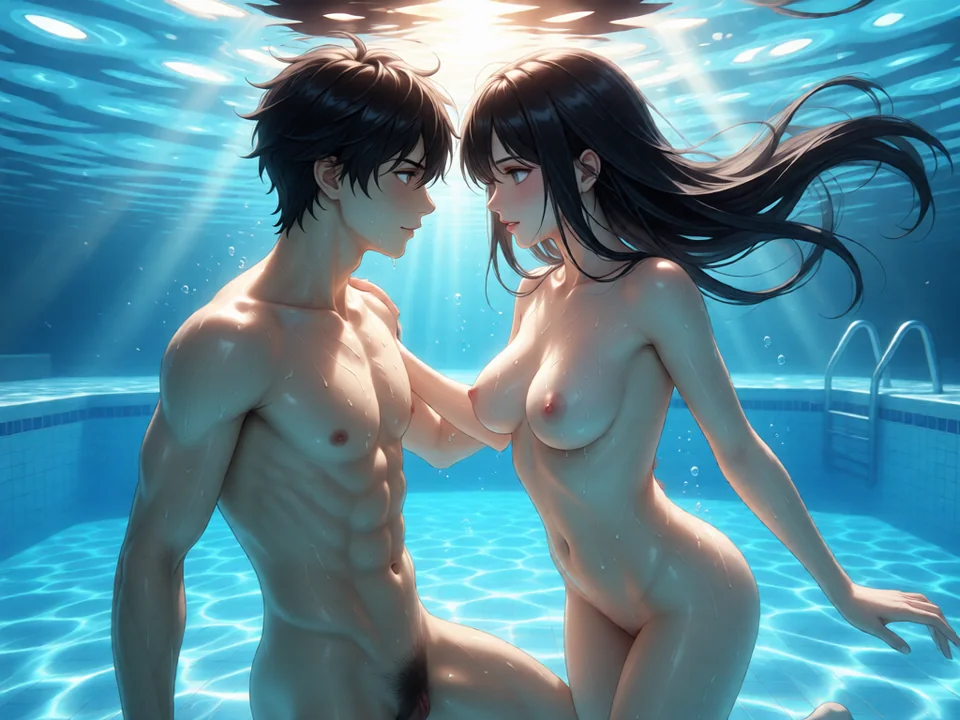
Hentai is often about interaction; multiple characters, tentacles, you name it. This is where the AI’s brain really starts to melt. You’ll get fused torsos where two girls share a hip, or limbs from nowhere that aren’t attached to anyone.
Why it happens: The AI sees two people embracing and thinks, “Oh, this must be one very wide person.”
The Fix: First, check your Resolution. If you try to fit a group scene into a 512×512 square, the AI doesn’t have enough “pixel real estate” to separate the bodies. Bump your starting res to 832×1216 (for Pony XL) or use Regional Prompting. Regional prompting lets you literally draw boxes on the canvas to tell the AI: “Girl A goes here, Girl B goes here.”
Also, drop your CFG Scale. Beginners tend to crank the CFG to 10 or 12 because they want the AI to listen better. But high CFG makes the AI rigid and prone to distortion. Drop it to 6 or 7. It gives the AI the elbow room it needs to organize the limbs more naturally.
Killing the Mush: Solving Blurriness and Washed-Out Colors
Nothing kills the high-end doujin look like an image that looks soft or grainy. This often happens when you’re pushing high resolutions without the proper settings to support them.
The Sharpness Workflow:
If your lines look like they were drawn with a dull crayon, you need more Steps. For Pony-based models, don’t settle for 20. Go for 35 to 45. You also need a sharp sampler like DPM++ 2M Karras.
But the real secret sauce is Hires Fix. If you generate a base image at 832×1216 and then run a 2.0x upscale with a denoise of 0.4, the AI repaints the details. It turns those blurry eyes into sharp, sparkling anime eyes and defines every strand of hair. If your colors look washed out, it’s often a VAE issue. Make sure you have a dedicated anime VAE loaded; it acts like a color-correction layer that makes those vibrant reds and purples actually pop.
The Censorship Ghost
It is the ultimate annoyance: using an uncensored model only to have a random mosaic bar or a black box show up anyway. This happens because the AI was trained on buckets of data that included censored art. The AI learns that “explicit scene + mosaic” is a pattern.
How to Purge the Bars:
You have to be redundant. In your negative prompt, include: censored, mosaic, barcode censor, black bars, mosaic censor.
In your Positive Prompt, don’t just ask for the scene; describe the anatomy in detail. Words like detailed anatomy, explicit, uncensored force the AI to fill that space with actual pixels instead of a flat blur texture. If a bar still shows up, that’s what Inpainting is for. Mask the bar and let the AI see what’s supposed to be under it.
Fighting Realistic Bleed
Sometimes the AI gets a little too smart for its own good and tries to make the skin look like a real photograph, even though the face is still 2D anime. It looks creepy. This Realistic Bleed happens because most models are built on top of SDXL, which was trained on millions of real-world photos.
The Anime Filter:
In your negatives, you need a strong “No” to realism: realistic, photorealistic, 3d, live action, photo.
In the positive, lean into the Style Tags: cel shaded, 2d, bold outlines, doujinshi style, digital illustration.
Also, check your Model choice. If you’re using a “General” model, you’re going to fight this constantly. Stick to fine-tuned merges from Civitai that are specifically designed to prioritize the 2D look.
When the AI Simply Ignores You
You ask for “tentacles,” but the AI gives you a girl on a regular bed. You ask for a “maid outfit,” and it gives you a bikini. This is “Prompt Ignoring.”
The Solution:
It’s all about Weighting. If the AI is ignoring an element, put it in parentheses and add a value: (tentacles wrapping body:1.4). This tells the AI: “This part is more important than the background.”
Also, look at your Prompt Order. The AI pays the most attention to the first 20 words. If your “maid outfit” is at the very end of a 100-word paragraph, the AI might literally forget it by the time it gets to the bottom. Move the most important elements to the very beginning.
Summary
Troubleshooting isn’t about finding one magic word but about building a pipeline.
- Start with the right model (Pony XL or Illustrious).
- Set your defensive line (Heavy negatives for anatomy).
- Direct the pose (ControlNet).
- Refine the detail (Hires Fix and Inpainting).
As you practice, these errors stop being random bugs and start being technical hurdles that you know exactly how to jump. Don’t get discouraged by a bad batch; just adjust the sliders and try again.