If you’ve spent any time on platforms like BetterWaifu, you’ve probably had that “wow” moment. You type in a few tags, hit generate, and seconds later, you have a high-quality, uncensored anime character that looks like it was drawn by a professional mangaka. It feels like magic, but under the hood, it’s a highly specialized process of “denoising” and “latent diffusion.”
Actually, most people don’t care about the calculus. They want to know why these specific generators are so much better at anime anatomy and NSFW details than something generic like DALL-E. The answer lies in how these models are raised and trained.
The Foundation: Latent Diffusion and The Noise
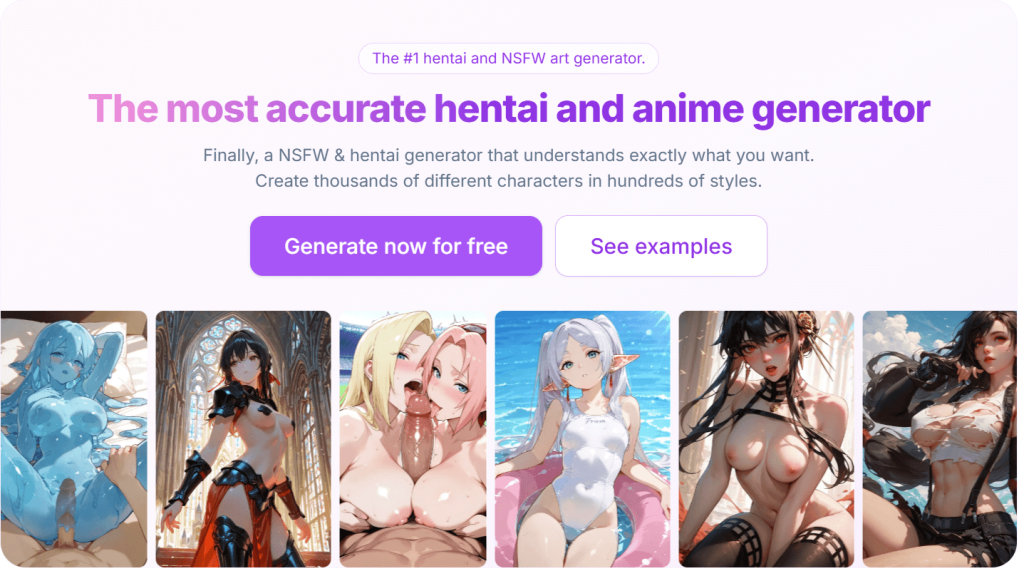
At its core, a hentai AI generator is a Diffusion Model. Imagine taking a high-res anime illustration and slowly adding digital static (noise) until it’s just a gray, fuzzy mess. Now, imagine a machine that has been trained to do the exact opposite.
The AI doesn’t know what a waifu is in the way we do. Instead, it starts with a canvas of random noise. When you give it a prompt, it begins to hallucinate patterns in that noise. Over 20 to 50 steps, it methodically removes the static, carving out shapes, lines, and colors until a coherent image emerges.
The “Latent” part of Latent Diffusion is the real secret sauce. Instead of working on the actual pixels (which takes a massive amount of computer power), the AI works in a compressed latent space. This is a mathematical shorthand that allows the generator to be fast and efficient enough to run on a home PC or a streamlined web server.
The Vocabulary of the Machine: Danbooru Tags
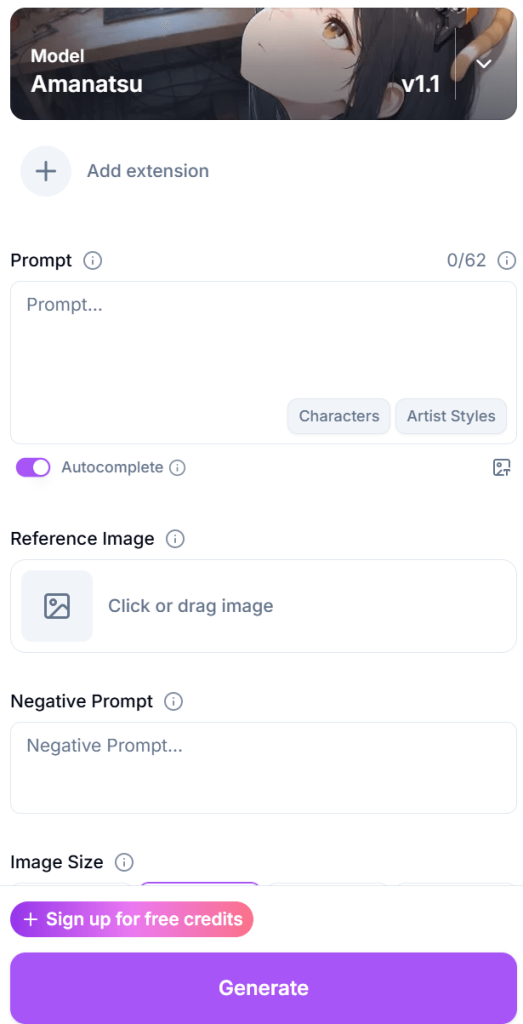
One of the biggest differences between a generic AI and a dedicated hentai generator is the way it understands your instructions. If you use a standard AI, you usually have to write long, flowery sentences. But if you’ve used BetterWaifu, you know it’s all about the tags.
These models are often trained on massive image boards like Danbooru. These boards use a very specific tagging system (e.g., 1girl, solo, long_hair, blue_eyes, blushing).
- Prompt Accuracy: Because the AI was trained on images labeled with these exact tags, it has a 1-to-1 understanding of what you want.
- The “Weight” of a Tag: In these generators, you can often “weight” a tag (like (absurdres:1.3)) to tell the AI that a specific detail is more important than others.
- Uncensored Data: Most importantly, because these datasets include NSFW content, the AI has learned human anatomy in a way that safe AIs simply haven’t. It understands how bodies move, how clothing folds, and the specific aesthetics of the hentai genre.
Checkpoints and LoRAs: The Style Secret
When you use a generator like BetterWaifu, you aren’t just using one single AI. You are usually interacting with a specific Checkpoint (also called a model).
A checkpoint is a massive file (usually 2GB to 6GB) that contains the AI’s entire world-view. For hentai generators, these checkpoints have been fine-tuned. This means someone took a base model and fed it hundreds of thousands of high-quality uncensored images until the AI learned that specific aesthetic.
Popular checkpoints in 2026, like Pony Diffusion V6 or Illustrious, have become legendary because they understand complex NSFW poses and lighting better than any general model ever could.
Enter the LoRA: The Character Specialist
But what if you want a very specific character or a niche art style. Say, a 90s retro anime look? This is where LoRAs (Low-Rank Adaptation) come in.
Think of a LoRA as a pluginfor your checkpoint.
- Tiny but Powerful: While a checkpoint is gigabytes in size, a LoRA is usually only 10MB to 200MB.
- Focused Knowledge: A LoRA is trained on a small, specific set of images, perhaps 20 to 50 photos of one specific character or one specific artist’s style.
- Stackable: You can actually stack multiple LoRAs. You can use one LoRA for a character, another for a specific outfit, and a third to make the whole thing look like it was painted in watercolors.
The Anatomy of a Prompt: Negative Constraints
In a hentai AI generator, what you don’t want is just as important as what you do want. This is where Negative Prompts come into play.
Because AI can sometimes struggle with hallucinating extra limbs or weird anatomy (the infamous “six-finger” problem), expert users use negative prompts to tell the AI what to avoid. You’ll often see strings of tags like (worst quality, low quality: 1.4), deformed, blurry, extra fingers, bad anatomy.
By 2026, many platforms have Auto-Negative features, but knowing how to tweak these manually is what separates a casual user from a pro. It’s about narrowing the AI’s focus until the only thing left on the canvas is exactly what you envisioned.
High-Res Fix and the Upscaling Secret
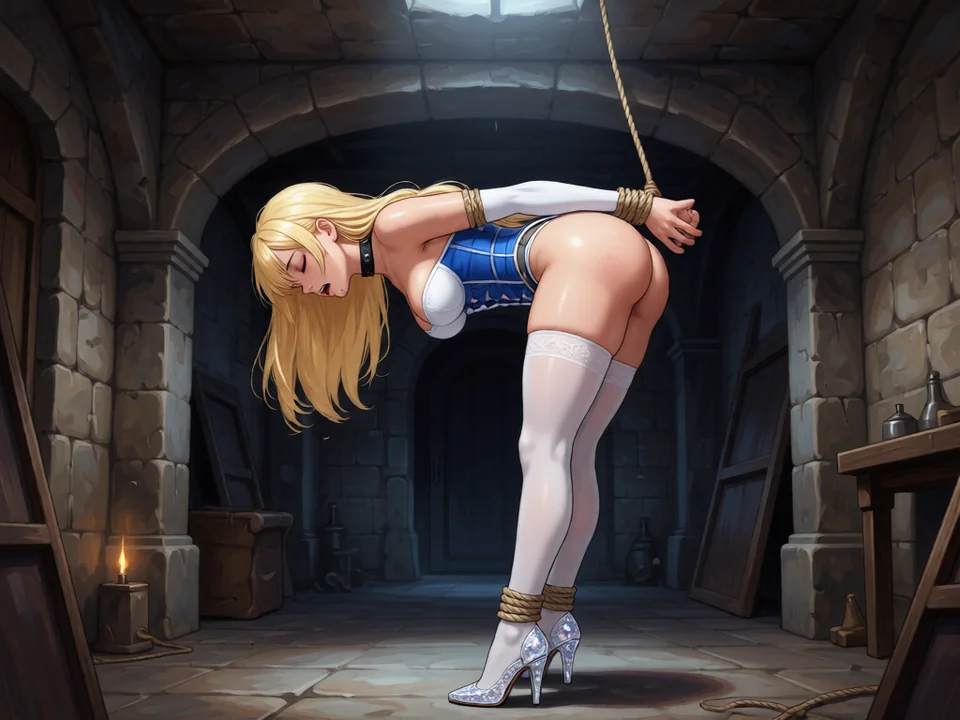
By 2026, the gold standard for getting crisp results is a feature called Hires. fix. Think of it as a two-pass process.
- First Pass: The AI creates a low-resolution version of your image to get the basic composition and pose right.
- Second Pass: It upscales that image and then redraws the details on top of it.
This prevents the common problem where an AI tries to generate a high-res image from scratch and ends up giving the character two heads or six arms because it got lost in the large canvas.
There are specific Upscalers designed just for anime. Models like Real-ESRGAN Anime 6B or Waifu2x are built specifically to keep lines sharp and colors flat, avoiding that fuzzy look you get with generic photo upscalers. On BetterWaifu, this often happens behind the scenes, but the tech is what makes those 4K results look like actual studio-quality art.
Fine-Tuning Your Vision: Inpainting and ControlNet
Sometimes, the AI gets 90% of the image perfect, but the eyes look a little off, or you want to change just the outfit. You don’t have to throw the whole image away. This is where Inpainting comes in.
Inpainting allows you to paint over a specific part of the image and tell the AI to redraw only that area. It’s like having a digital eraser that replaces mistakes with exactly what you asked for.
- Regional Control: Want to change the hair color without touching the face? Just mask the hair and update your prompt.
- Anatomy Correction: This is the pro’s secret for fixing those occasional extra fingers or weird leg placements.
For even more control, there’s ControlNet. If you have a specific pose in mind, maybe a classic anime “peace sign” or a complex sitting position, ControlNet acts as a digital skeleton. You provide a sketch or a pose map, and the AI is forced to build the character around that exact structure. It takes the guesswork out of the generation.
The Ethical Engine: Why Uncensored Matters
Wrapping up, we can’t really explain how these generators work without addressing the uncensored part of the equation. Most mainstream AI tools are built with heavy filters that act like a digital nanny, blocking your prompt if it contains forbidden words. This often results in the AI refusing to generate even harmless anatomy or edgy artistic concepts.
Hentai AI generators like BetterWaifu work by stripping these filters away at the model level. Because the AI was trained on a vast, unfiltered library of art, it understands the human form in its entirety. It doesn’t view anatomy as a violation of terms of service; it sees it as just another set of pixels to be rendered with the same precision as a sunset or a complex background.
This lack of censorship is the real engine behind the creativity we see in the community. It gives the keys to the studio back to the user, allowing for a level of niche catering and artistic expression that safe AIs simply can’t touch. When you understand the tech, from the diffusion of noise to the power of LoRAs, you realize that these aren’t just toys. They are sophisticated, high-speed tools for the next generation of digital artists.